

ERP SYSTEM
Custom ERP System Development in Singapore
ADSM builds custom ERP modules for Singapore SMEs, connecting purchasing, inventory, orders and approval workflows around operational needs.

01
Connects operational modules.
02
Supports approval and reporting flows.
03
Can start as an MVP instead of a huge system.
04
Useful for SMEs with growing process complexity.
BUSINESS PROBLEM
Operations become harder as the company grows.
More staff, orders, documents, and inventory movement can create confusion when everything is managed separately.
01
Disconnected modules
Sales, inventory, purchasing, and operations may not share the same data.
02
Manual approvals
Requests take longer when approval depends on messages.
03
Limited reporting
Management cannot easily compare activity across departments.
SOLUTION OVERVIEW
ERP-style modules built step by step.
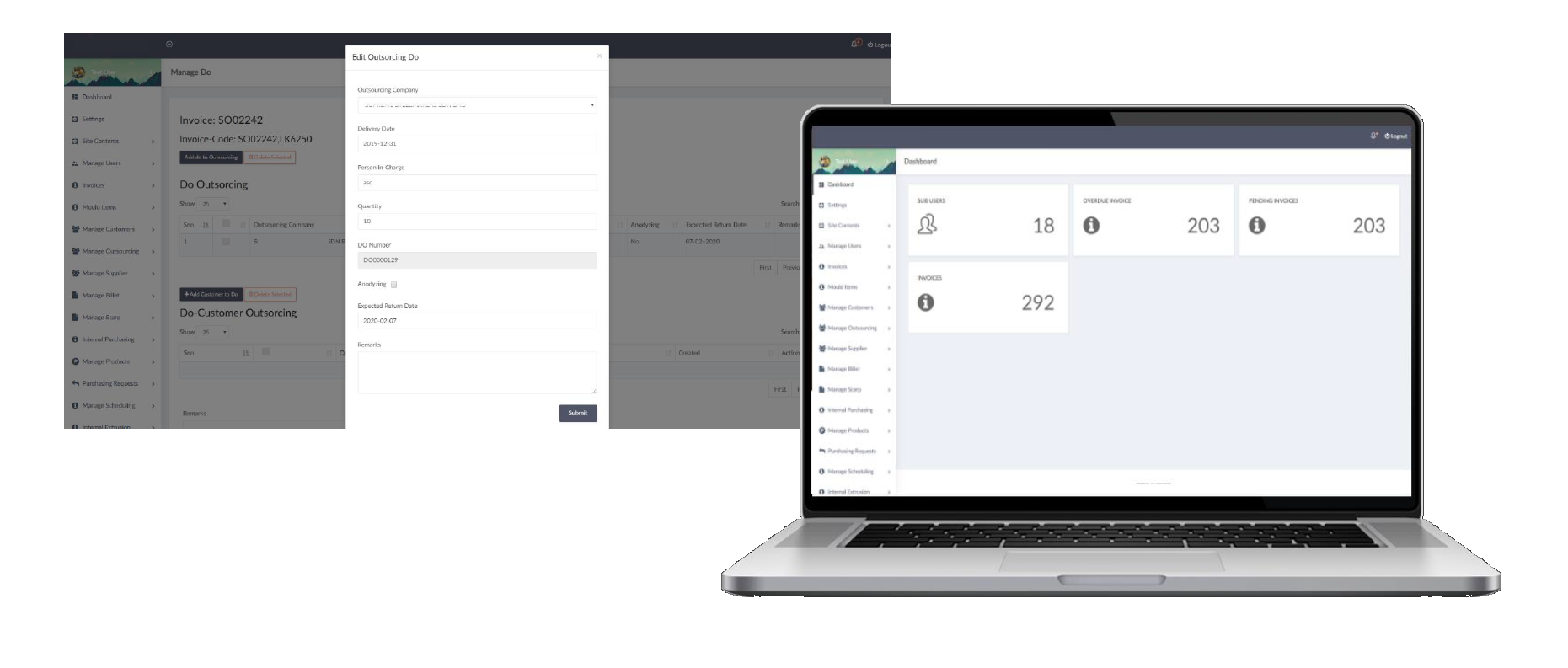
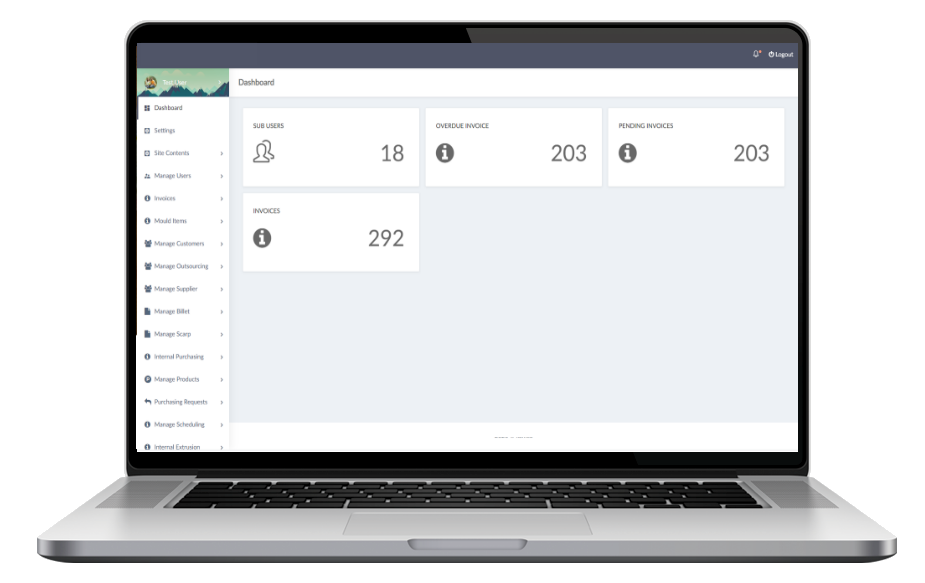
We help SMEs build practical ERP-style systems around the modules they need most first.
01
Map core modules
Identify the records and workflows that matter most to the business.
02
Connect approvals
Create clear approval flow for requests, purchases, documents, or orders.
03
Report across departments
Generate useful summaries from operational activity.
KEY FEATURES
ERP-style features.
The system should support the actual operation, not become too heavy too early.
01
Order management
Track customer orders, status, and related documents.
02
Inventory modules
Monitor stock, movements, and warehouse-related records.
03
Purchasing flow
Support requests, purchase orders, and approvals.
04
Production tracking
Manage simple manufacturing or job progress workflows.
05
Approval control
Define role-based review and approval steps.
06
Operational reports
Create visibility across modules and teams.
USE CASES
ERP use cases.
ERP-style systems are suitable when several departments need shared data.
01
Order to delivery
Track the full path from order to fulfilment.
02
Purchase approval
Manage purchase requests and approval status.
03
Inventory movement
Track incoming, outgoing, and adjusted stock.
04
Production status
Monitor work progress and bottlenecks.
05
Document control
Attach and review documents linked to operations.
06
Management overview
View operational performance in one dashboard.
PROCESS
ERP project flow.
We recommend starting with essential modules, then expanding after real use.
01
Understand the workflow
We review your departments, data handoffs, user roles, and ERP-style goals.
02
Plan the first version
We define a practical ERP MVP around the core workflows that need connection first.
03
Build and test
We build the ERP-style workflow and test it with real cross-department scenarios.
04
Improve after launch
We refine modules, dashboards, reports, and automation as operational usage expands.
FAQ
ERP FAQ.
Common questions about ERP-style systems.
Do we need a full ERP from day one?
No. SMEs can start with the most important modules first.
Can it include inventory?
Yes. Inventory workflows can be included.
Can approvals be customised?
Yes. Approval steps can follow your business rules.
Can it connect with AI?
Yes. AI can later support summaries, documents, and reporting.
ERP-style systems become more useful when they are built around actual business priority instead of trying to include everything at once.
READY TO IMPROVE?
Need connected operational workflows?
We can help define the first ERP-style module for your business.