

AI DOCUMENT PROCESSING
AI Document Processing Singapore
ADSM provides document data extraction for Singapore SMEs: process invoices, purchase orders and PDFs with validation and staff review.
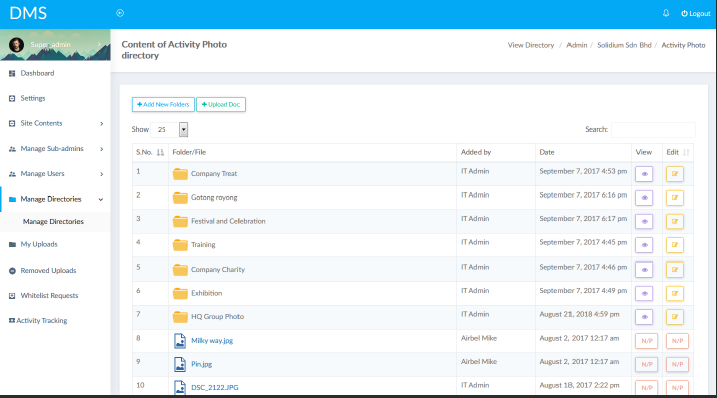
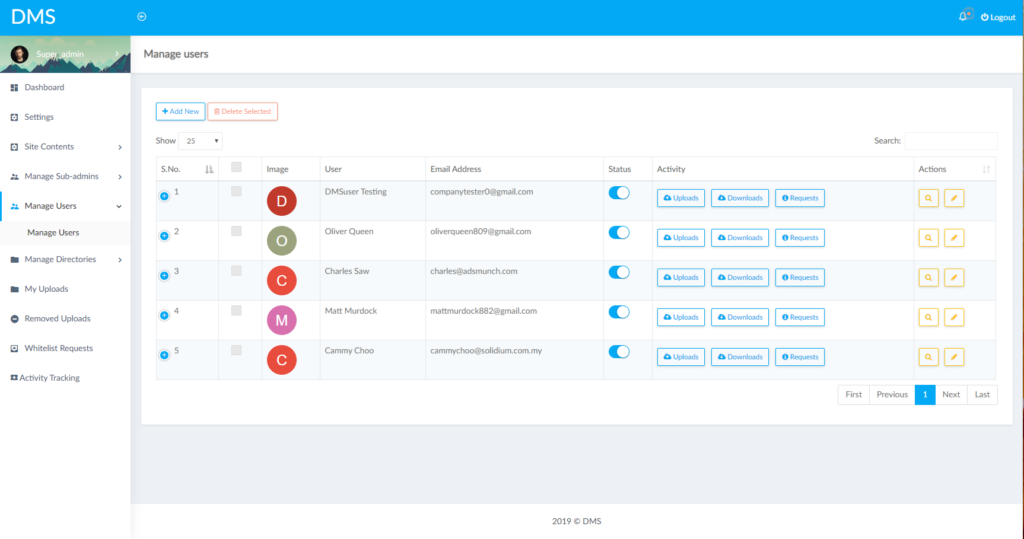
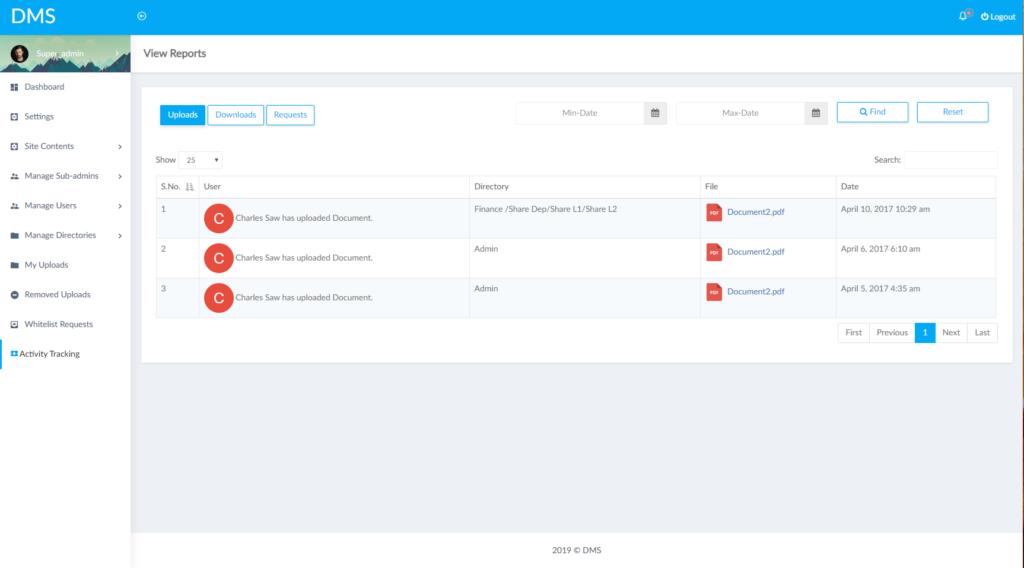
Turn incoming documents into information your team can check and use. ADSM has built a conventional document-management system for an SME, giving our team practical experience with document structure, access and approval workflows. AI can then assist with classification, extraction and comparison before approved information moves to the next system. It complements document management; it does not replace storage, permissions or version control.
BUSINESS PROBLEM
Staff spend too much time reading and re-entering documents.
Invoices, purchase orders, RFQs and forms arrive in different formats. A template that works for one supplier may fail when a layout changes or a scan is unclear.
01
Mixed formats
Information arrives in PDFs, Excel workbooks, Word files, scans, forms and email attachments.
02
Uncertain fields
Missing references, unreadable quantities or different descriptions make extracted data difficult to trust without checks.
03
Manual handover
After reading the file, staff still compare records and type the approved result into a spreadsheet, CRM or ERP.
SOLUTION OVERVIEW
Extract, validate and review before updating records.
Document → classification → field extraction → business validation → exception review → approved system update. Keep the source document available so staff can check the result.
01
Define the fields that matter
Choose the document types and required fields, such as customer reference, item description, quantity, date and total. Assess scanned-document quality and any OCR requirement using representative samples.
02
Make uncertainty visible
Combine validation rules with confidence indicators where appropriate. A high confidence score is not proof of accuracy: missing fields, inconsistent totals or multiple product matches still need explicit checks.
03
Pass on approved information
Staff can correct exceptions before data is exported or sent through an API. Retain the source reference, correction history and status so the next person can trace the record.
SCOPE & USE CASES
Invoice, purchase order and PDF data extraction.
The final scope depends on your data, existing systems and the controls needed by your team.
01
Read and classify
Identify supported document types and route an invoice, purchase order, RFQ or form to the right processing flow.
02
Extract fields
Capture agreed text, table and line-item fields from supported layouts. Test difficult scans and multi-page documents during the pilot.
03
Compare information
Check required fields, totals, references and known records. Flag duplicates or inconsistencies before a system update.
04
Identify products
Suggest a match against your product database when the workflow needs it. Ambiguous matches should be reviewed rather than accepted by default.
05
Review exceptions
Give staff the source and proposed values together, with the reason a field or document was flagged.
06
Connect business systems
Export reviewed data to Excel or connect through supported APIs to CRM, ERP, quotation or other business software.
IMPLEMENTATION
Start with a focused pilot.
Agree the task, acceptance criteria and review responsibilities before expanding.
01
Review sample documents
Include common documents and difficult examples: poor scans, changed layouts, missing fields and duplicate files.
02
Agree checks and outputs
Define the extraction fields, acceptance criteria, validation rules and which exceptions require staff review.
03
Test the pilot
Measure field-level quality, correction effort and failure cases against the current process. Do not evaluate only easy samples.
04
Roll out with review
Begin with limited document types, monitor exceptions and update the workflow when formats or business rules change.
FAQ
Questions before starting.
Practical considerations for scoping the first version.
Can AI read PDF, Excel and Word files?
A workflow can support these formats, along with scans, forms and email attachments, subject to testing. Scanned pages may need OCR, and complex or poor-quality layouts can require manual correction.
Is extraction 100% accurate?
No. Accuracy varies with document quality, layout and the field being extracted. Validation, exception handling and human review are part of the recommended workflow.
What happens when a result is uncertain?
Flag the field or document, show the source and route it to staff. Confidence indicators can help prioritise review but should not replace checks against business rules.
Can it send the data into our ERP or CRM?
Yes, where suitable interfaces and permissions are available. Approved results can be exported or passed through an integration with duplicate and required-field checks.
How is this different from a document management system?
A DMS organises files, access and versions. AI document processing works on the information inside the files, such as extraction, classification and validation. The two can work together.
Can we test our own documents first?
Yes. Start with representative, suitably anonymised samples and an agreed output format. A pilot helps establish which document types are suitable and how much review is still needed.
RELATED SERVICES
Connect the next part of the workflow.
Explore the AI Solutions hub for the wider service range.
RFQ and quotation automation | Connect approved data to your systems | Document storage and access control | Custom document applications
DISCUSS YOUR WORKFLOW
Discuss your document workflow
Send us a non-sensitive example of the current process and the result your team needs. We can discuss suitability, scope and a practical next step.